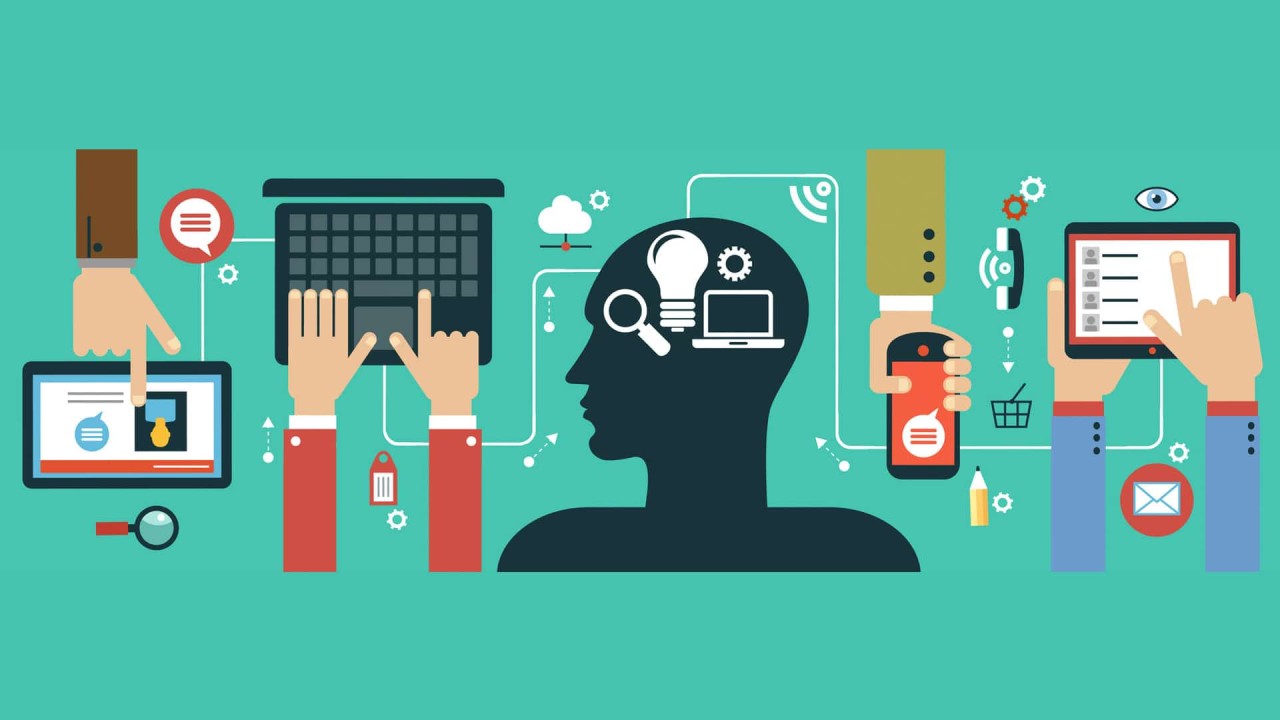
In 2026, technology literacy is no longer optional—it’s essential for personal and professional success. From smartphones and laptops to productivity apps and online platforms, understanding digital tools helps you stay efficient, informed, and ahead in a fast-paced digital world. I’ve spent years helping beginners and professionals alike navigate technology, and I’ve learned practical strategies that make digital literacy accessible, actionable, and stress-free. This guide will help you master essential tech skills, solve everyday problems, and confidently stay ahead.
Why Technology Literacy Matters in 2026
Technology touches nearly every aspect of life:
- Work efficiency – Mastering digital tools streamlines tasks and reduces errors.
- Communication – Modern platforms enable seamless collaboration globally.
- Learning and growth – Access to online resources, tutorials, and courses accelerates skill development.
- Security awareness – Understanding tech prevents common digital threats.
Being digitally literate isn’t just about using tools—it’s about using them effectively and safely.
1. Understanding Your Digital Devices
Before diving into apps or online tools, it’s essential to understand your device.
Step-by-Step:
- Identify the device type – Laptop, tablet, smartphone, or desktop.
- Learn the operating system (OS) – Windows, macOS, iOS, Android, or Linux.
- Explore basic functions – Turning on/off, connecting to Wi-Fi, adjusting settings.
- Update your device – Ensures security and improves performance.
- Familiarize yourself with settings – This is your control hub for customization and troubleshooting.
Tip: Spend a few minutes navigating settings menus to build confidence with your device.
2. Mastering Essential Software Tools
Software and apps power productivity, communication, and creativity. Beginners can start smart:
- Focus on one app at a time – Learn core features before advanced tools.
- Use built-in tutorials – Many apps provide step-by-step guidance.
- Practice key tasks – Typing, formatting, and saving documents in word processors; basic calculations and charts in spreadsheets.
- Explore gradually – Slowly experiment with features like templates, macros, or integrations.
Example: Start with sending emails, organizing folders, and scheduling reminders before exploring automation features.
3. Navigating the Internet Safely
The internet is powerful but can be confusing for beginners.
Step-by-Step:
- Choose a browser – Chrome, Edge, Firefox, or Safari.
- Learn basic browsing functions – Open/close tabs, bookmarks, history, and search engines.
- Understand safety measures – Avoid suspicious links, verify sites, use strong passwords.
- Use search effectively – Apply quotes, keywords, and filters to find relevant results.
Tip: Bookmark important websites and organize them for easy access.
4. Communication Tools and Collaboration
Digital communication is key in 2026:
- Email – Send, reply, organize with folders and labels.
- Messaging apps – WhatsApp, Teams, Slack, or Messenger for instant communication.
- Video calls – Zoom, Google Meet, or Teams for remote collaboration.
- Collaboration tools – Platforms like Trello, Notion, or Asana for project management.
Pro Tip: Focus on one platform at a time and integrate tools gradually to avoid overwhelm.
5. Data Security and Digital Safety
Being digitally literate means understanding online safety:
- Strong passwords – Use complex passwords and a password manager.
- Two-factor authentication (2FA) – Adds extra security.
- Software updates – Keep apps and devices current.
- Safe browsing habits – Avoid clicking unknown links or downloading files from untrusted sources.
Example: Phishing emails are common—verify senders before clicking links. Simple habits prevent serious issues.
6. Troubleshooting Common Tech Problems
Even beginners can solve many issues with simple methods:
- Slow devices – Restart, clear unused apps, free storage space.
- Internet problems – Restart router, check connections, move closer to Wi-Fi.
- App crashes – Update, clear cache, or reinstall.
- File loss – Check recycle bin, cloud backup, or use recovery software.
Tip: Keep a simple troubleshooting checklist handy—it saves time and reduces stress.
7. Using Technology to Boost Productivity
Digital literacy isn’t just about avoiding problems—it’s about maximizing efficiency:
- Task management apps – Track schedules, deadlines, and priorities.
- Note-taking apps – Capture ideas, lists, and reminders.
- Cloud storage – Access files anywhere, anytime.
- Learning platforms – Access tutorials, online courses, and guides.
Pro Tip: Start with tools that solve real needs instead of using too many apps at once.
8. Building Confidence with Technology
Confidence comes from gradual practice:
- Focus on learning essential skills first.
- Experiment safely—backup important files.
- Document helpful steps or shortcuts for future reference.
- Join beginner-friendly online communities for guidance.
Tip: Consistent, daily practice leads to mastery more effectively than long, infrequent sessions.
Common Beginner Mistakes to Avoid
- Trying too many tools at once
- Ignoring updates, causing performance or security issues
- Skipping backups and losing important data
- Overcomplicating workflows unnecessarily
Avoiding these mistakes ensures learning is smooth and frustration-free.
Final Thoughts
Digital literacy in 2026 is about understanding, using, and managing technology effectively. From devices and software to internet safety, communication, and productivity tools, mastering these essentials empowers you to stay ahead. Beginners can learn without confusion by taking small, structured steps, practicing regularly, and focusing on practical applications.
With patience and consistent effort, technology becomes a powerful ally that improves efficiency, learning, and everyday life. The future belongs to those who embrace digital literacy confidently.