Installing new software on a Windows computer should be a simple task, but downloading the wrong file can expose your system to malware, unwanted programs, or fake applications. Cybercriminals often create convincing download pages and installers that look legitimate, making it difficult for many users to tell the difference. The good news is that you …
In 2026, mastering popular software tools isn’t just a skill—it’s essential for productivity, creativity, and professional growth. Over the years, I’ve worked with countless applications, from productivity suites to creative software, and I’ve discovered practical tips, lesser-known tricks, and best practices that make a huge difference in daily use. This guide is designed for beginners …
Learning new software can feel overwhelming, especially for beginners. I remember struggling to install, configure, and fully use a few essential tools when I first started my digital journey. Over time, I discovered practical methods to simplify the process, save time, and get the most out of any software. Whether you’re installing productivity tools, creative …
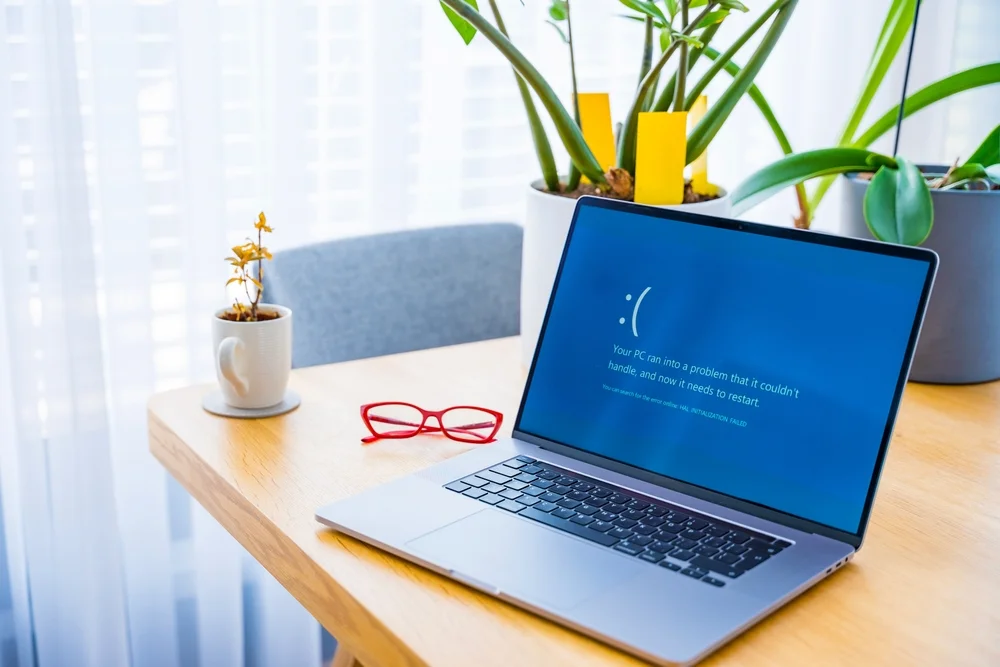
Introduction: When Software Stops Working Have you ever opened a program on your computer and been greeted with an error message or sudden crash? I’ve been there countless times—staring at a spinning cursor or a blank screen, feeling frustrated because I needed to finish my work yesterday, and now my software refuses to cooperate. The …
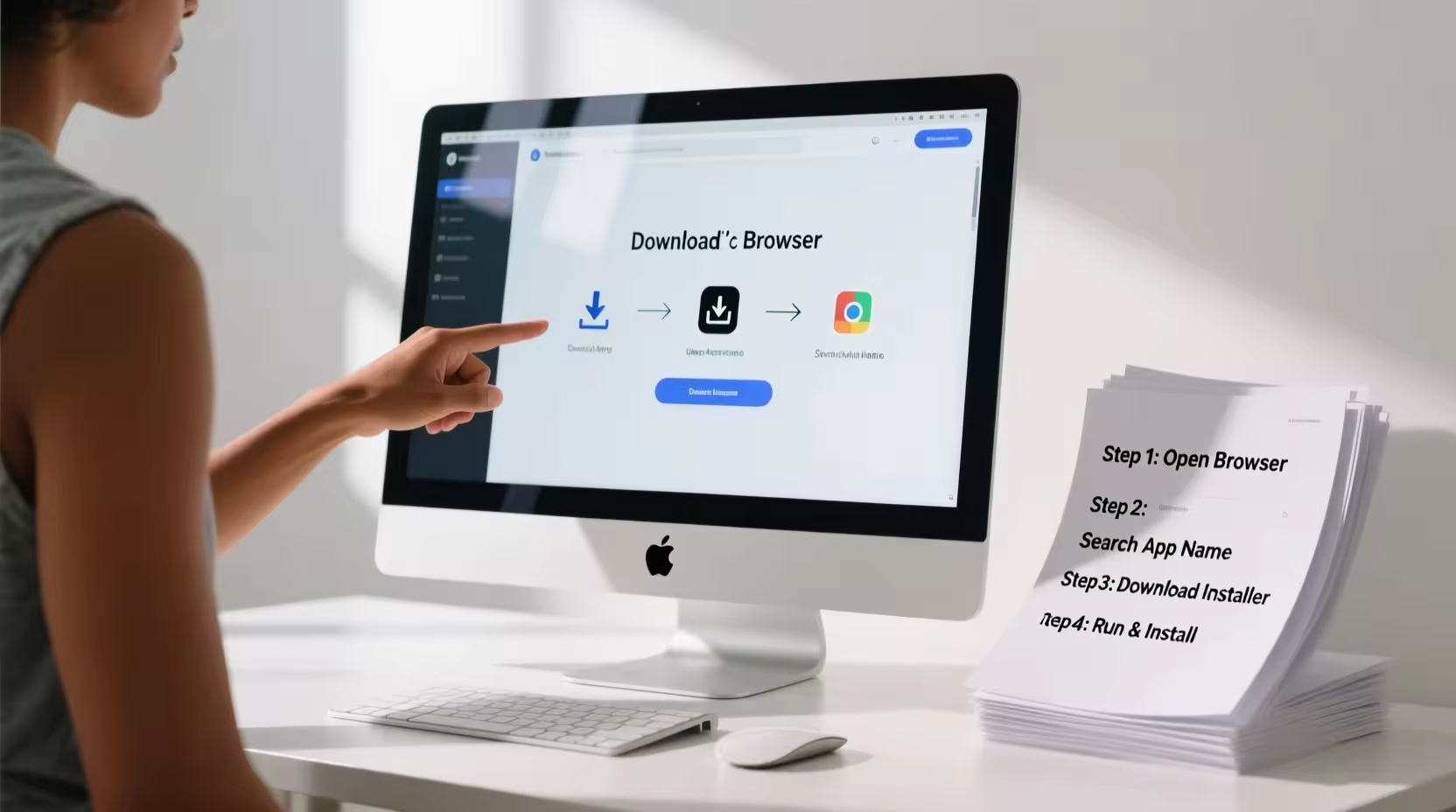
Introduction: When Installing Software Feels Confusing A few years ago, I downloaded a simple tool for editing documents. It looked easy enough—just a quick download and install, right? But within minutes I was confused. The installer showed multiple options, asked about permissions, and suggested extra programs I didn’t even want. I wasn’t sure which buttons …
Software has become an essential part of daily life. From productivity apps and creative tools to system utilities and communication platforms, knowing how to use software efficiently can save time, reduce frustration, and improve results. However, many users struggle with features, updates, or advanced functions that aren’t immediately intuitive. Software guides provide clear, step-by-step instructions, …
Installing software on a Windows computer sounds simple—download, click install, and you’re done. But in reality, many users face errors, failed installations, security warnings, or even malware infections because they don’t follow safe installation practices. From missing files to compatibility issues, one wrong step can turn a useful app into a frustrating problem. Whether you’re …
Installing new software should be a smooth, straightforward process. You download the file, click install, and start using the program—at least that’s how it’s supposed to work. In reality, many users run into frustrating installation problems that stop them in their tracks. Error messages pop up, installations freeze halfway, or the software installs but refuses …
Software updates are meant to improve performance, fix bugs, and strengthen security—but for many users, updates feel risky. One wrong update can slow down your system, cause apps to crash, or create compatibility issues that weren’t there before. If you’ve ever clicked “Update” and immediately regretted it, you’re not alone. The truth is, updating software …
Few things are more frustrating than opening your favorite software and watching it crawl instead of running smoothly. Whether it’s a web browser, video editor, or even a simple word processor, slow performance can reduce productivity, increase stress, and sometimes even lead to crashes. The good news is that slow software usually isn’t a sign …